 Mobick WalletOfficial Mobick wallets
Your Keys, Your Mobick
The official Mobick wallets to hold and move your assets: mainnet-native, multi-chain, and self-custody by default.
- Self-custody
- Your keys stay on your device
- Multi-chain
- BTC, ETH, BASE and BSC in one wallet
- Built-in swap
- BMB ↔ WBMB WBMB ↔ MOVN
Supported chains
 Mobick
 Bitcoin
 Ethereum
 BASE
BASE BSC
BSC
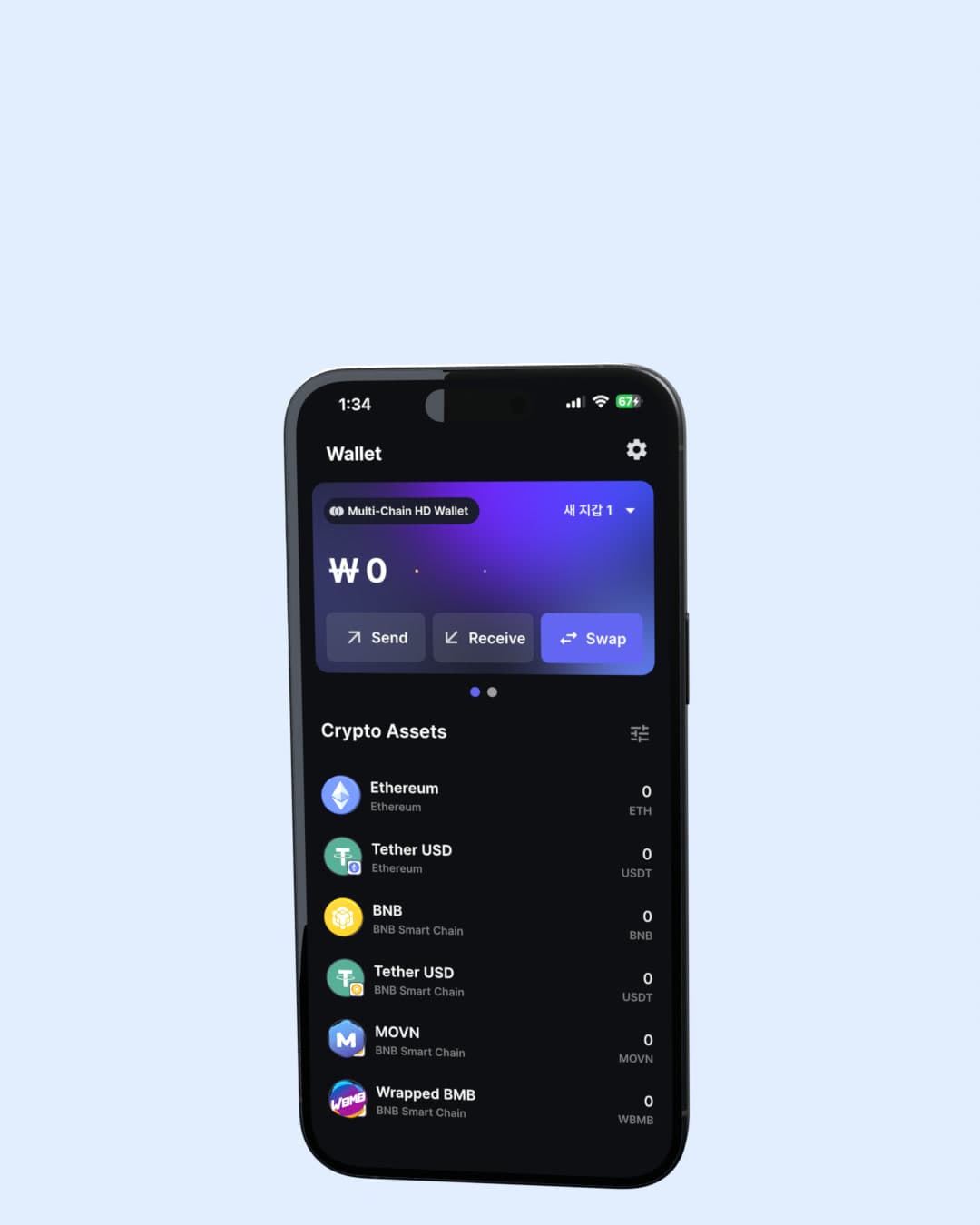
Three wallets, one ecosystem.
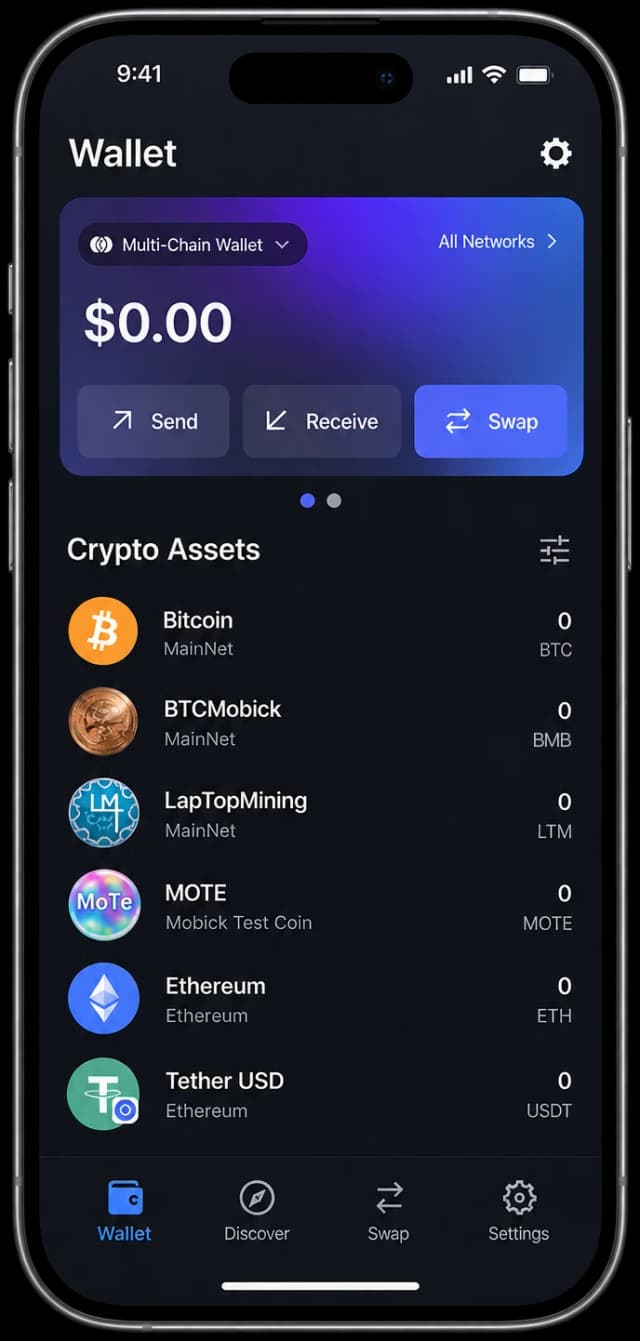
MobickOne
Bitcoin, Ethereum, BASE and BSC alongside BMB, WBMB and MOVL, with swap built in.
Best if you hold assets across several chains.
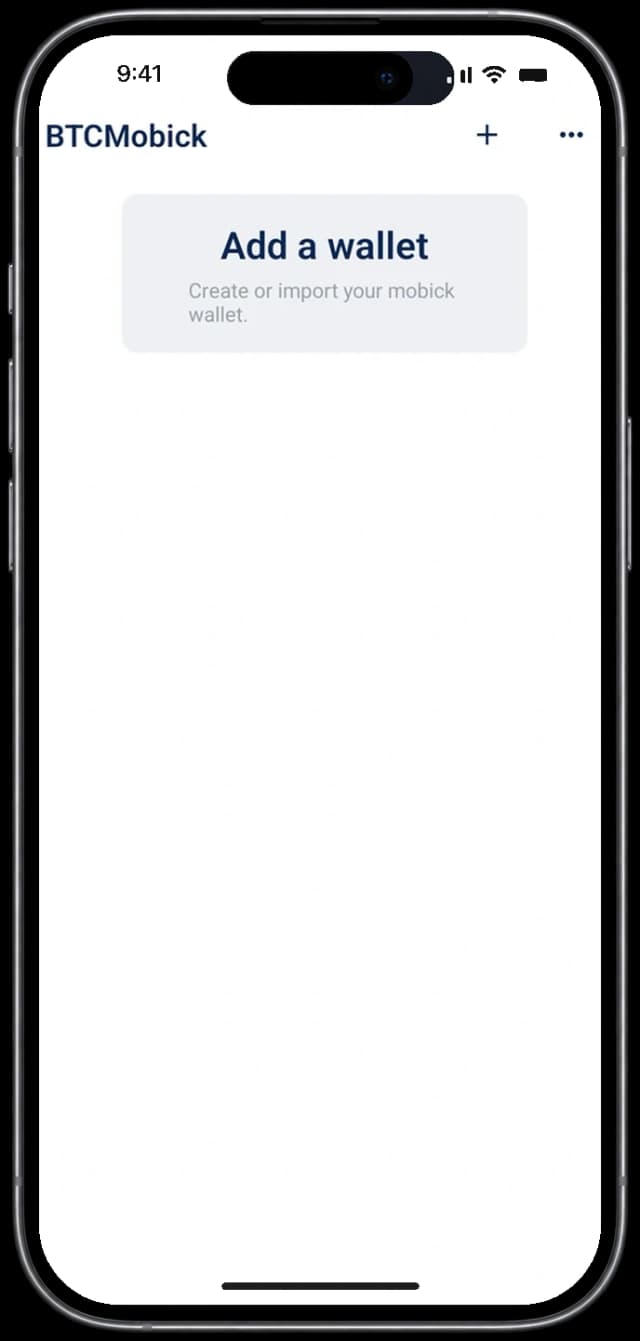
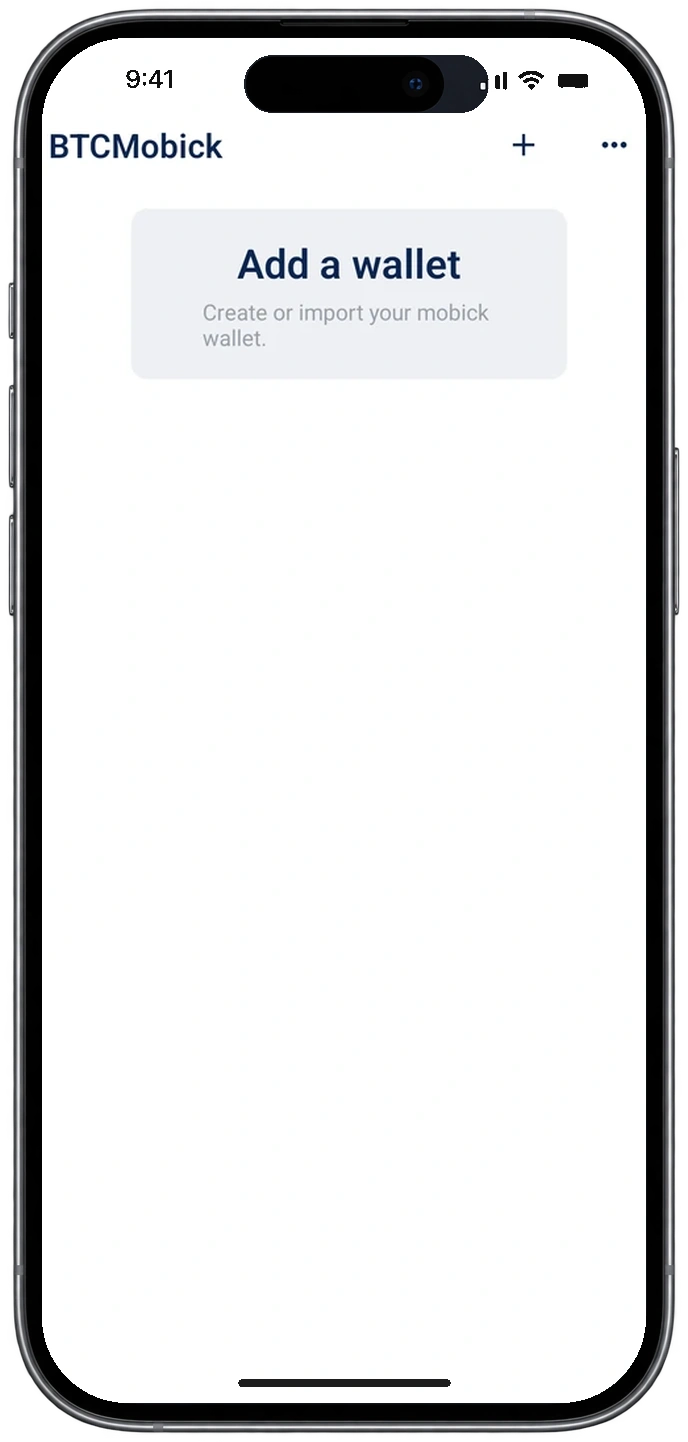
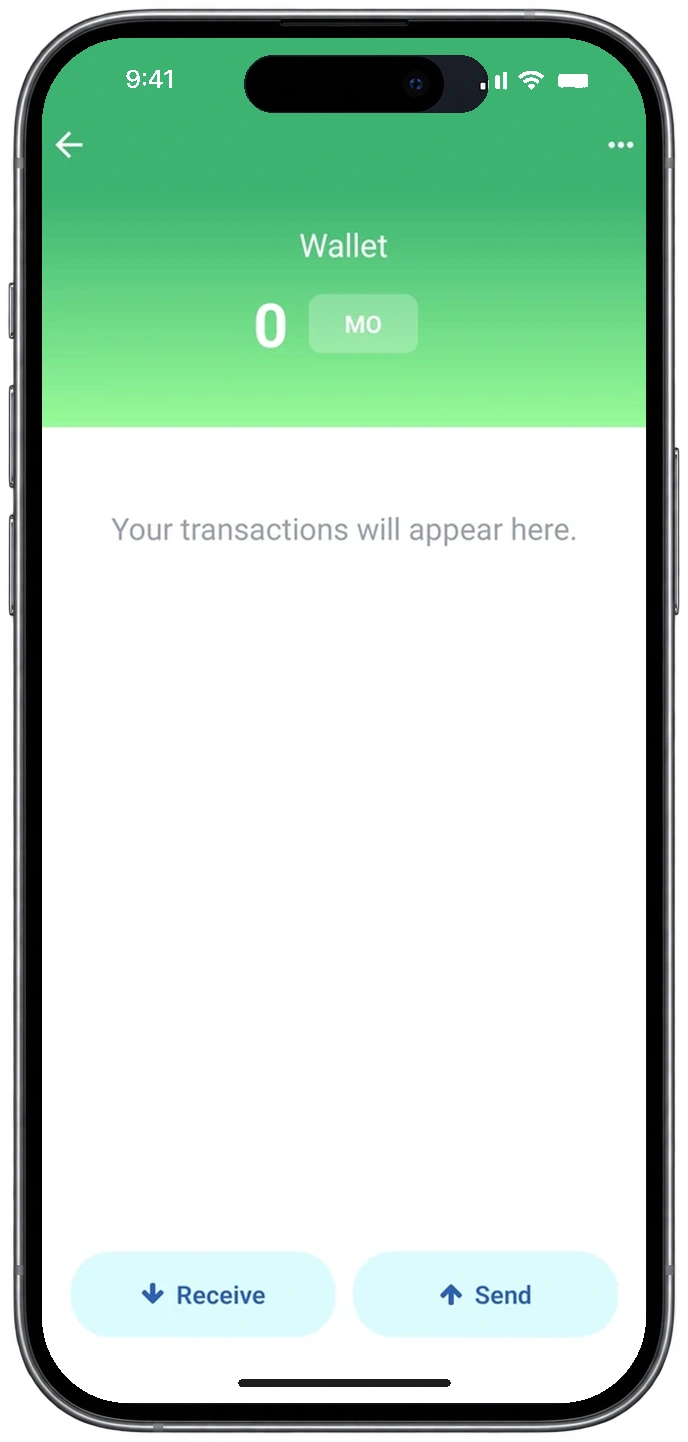
BTCMobick
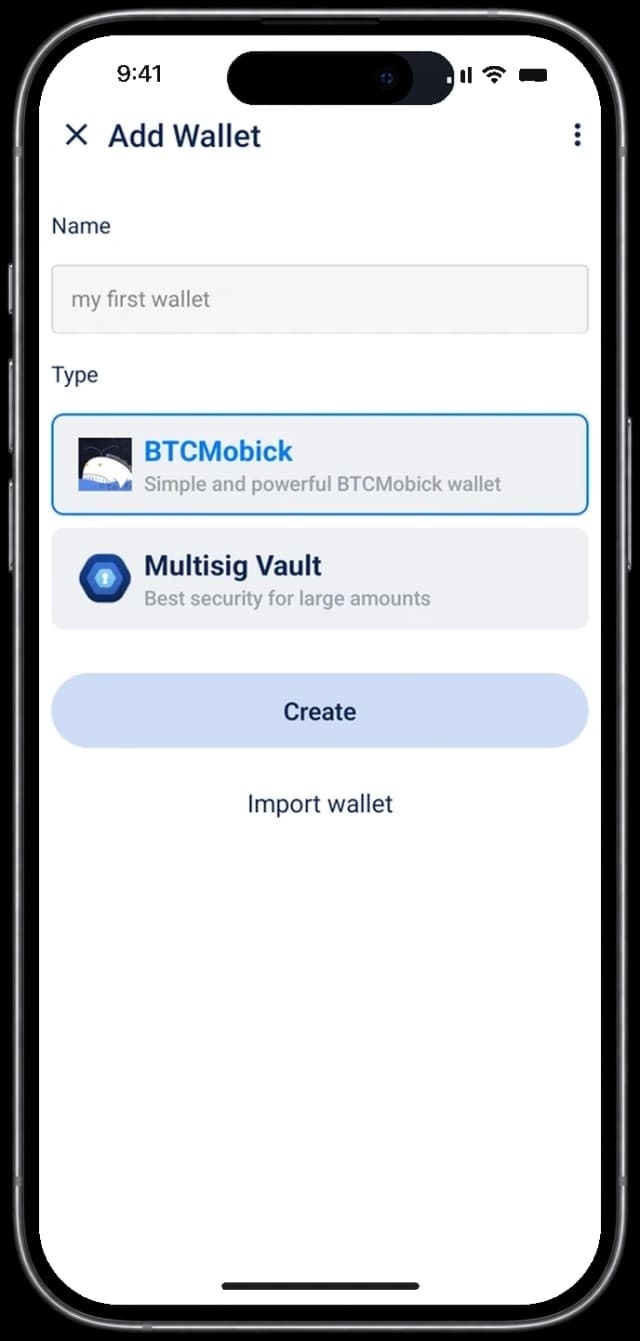
The mainnet-native wallet, focused on holding, sending and receiving BMB directly on the Mobick mainnet.
Best if you only hold BMB.
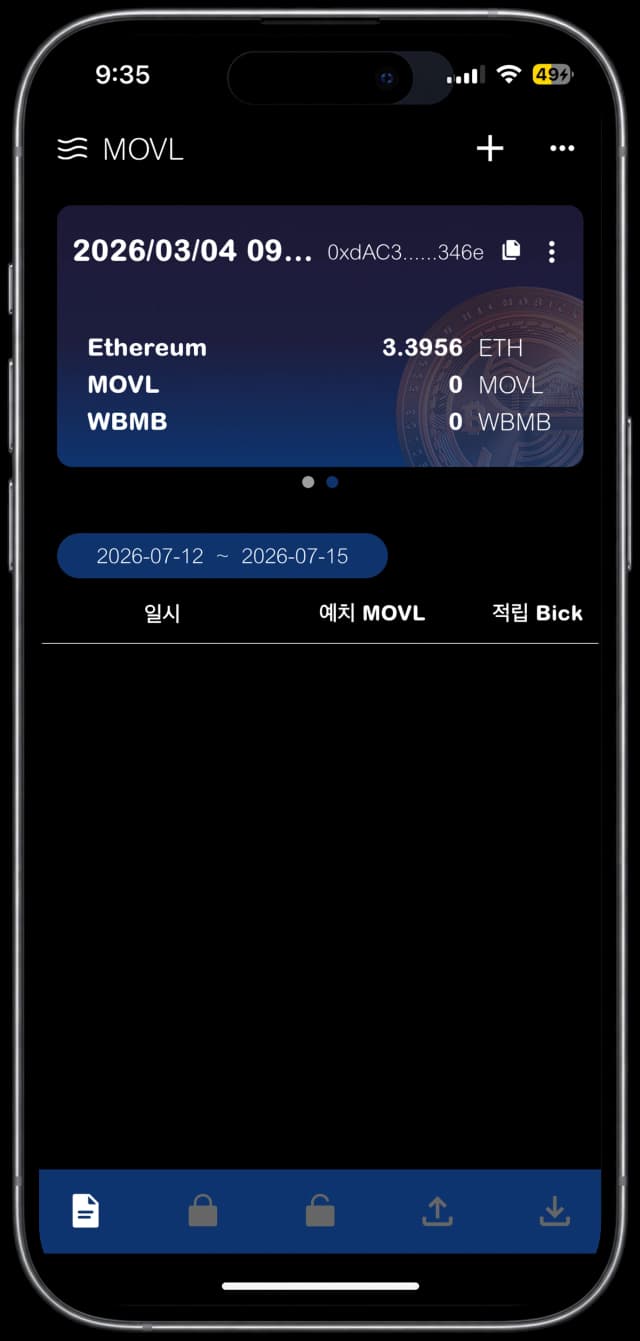
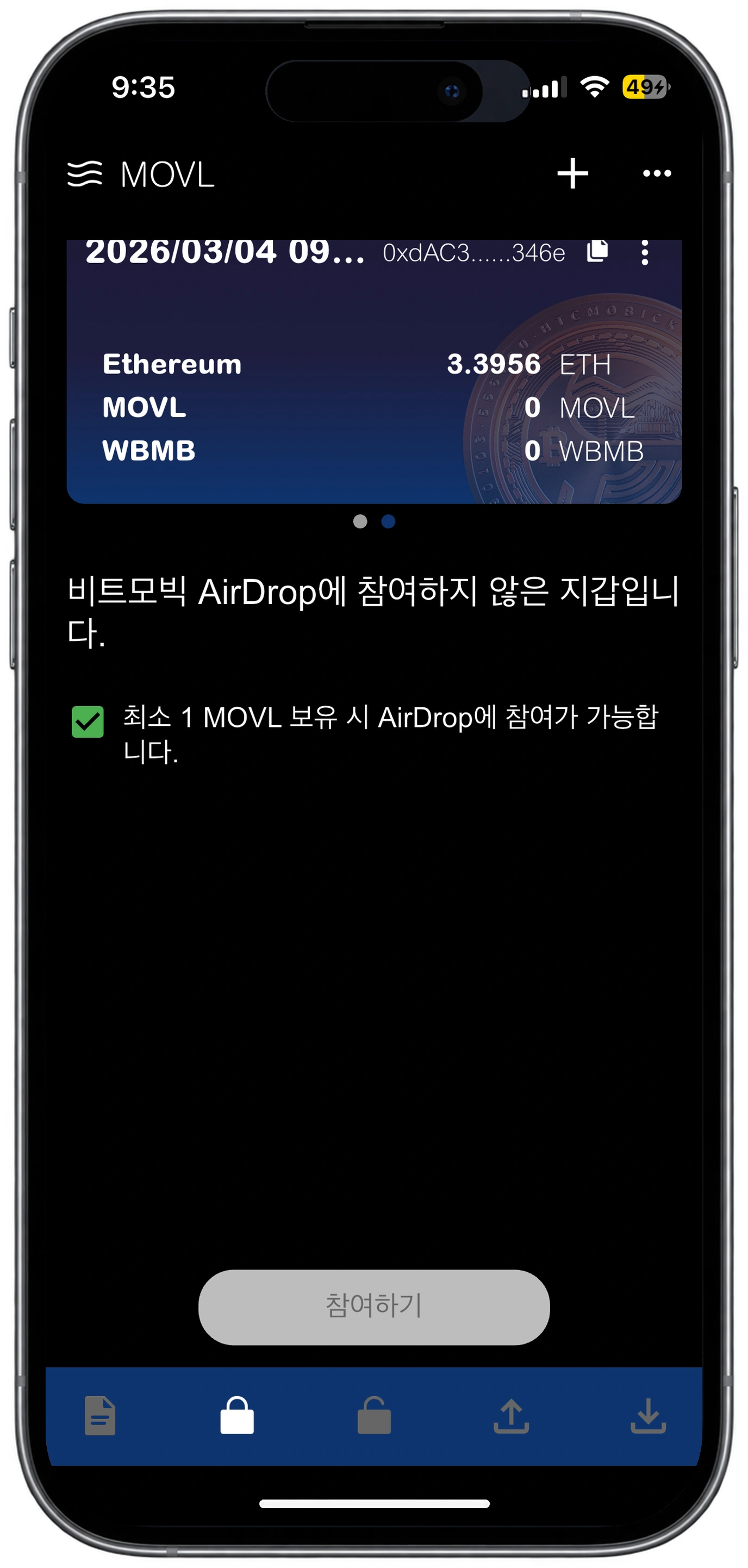
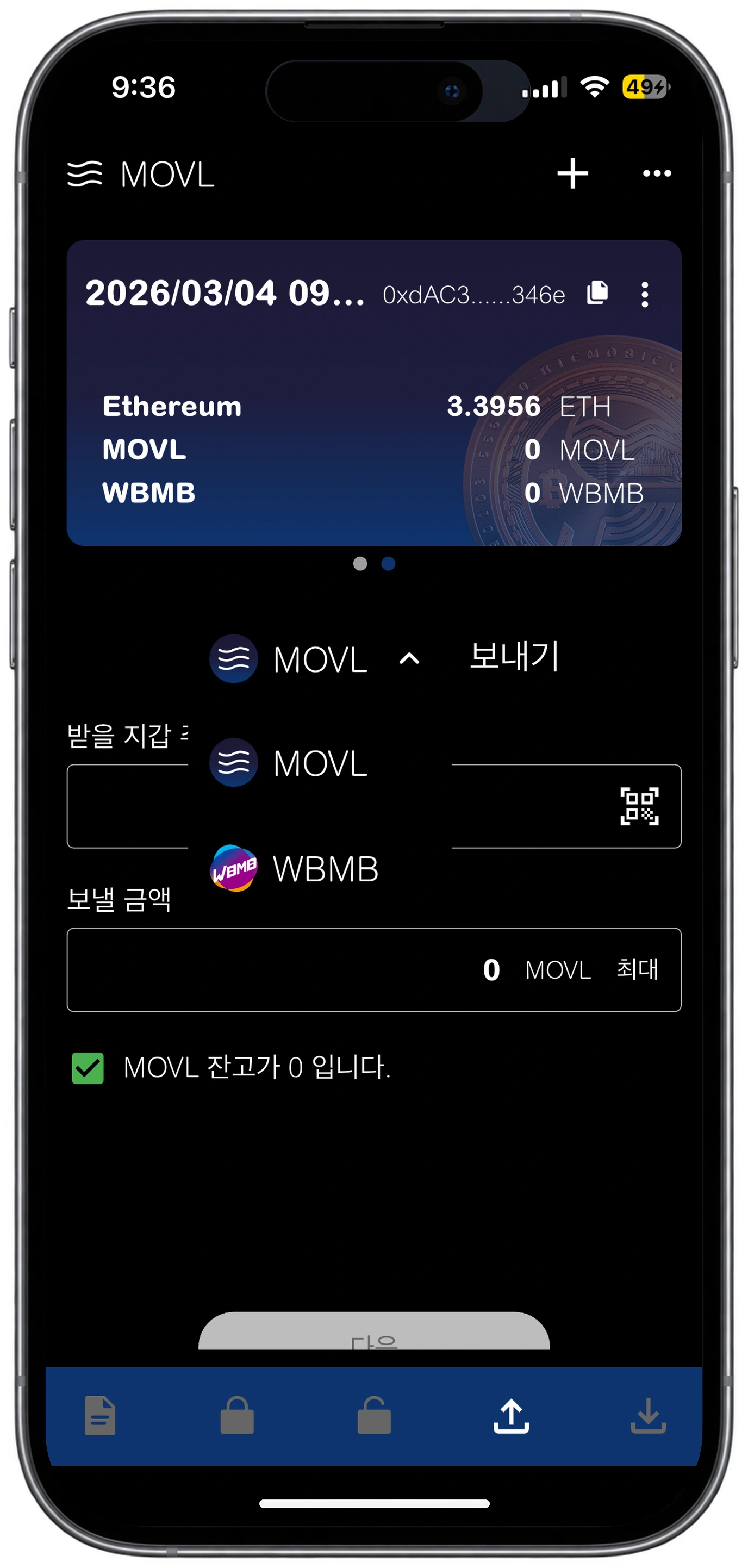
MOVL
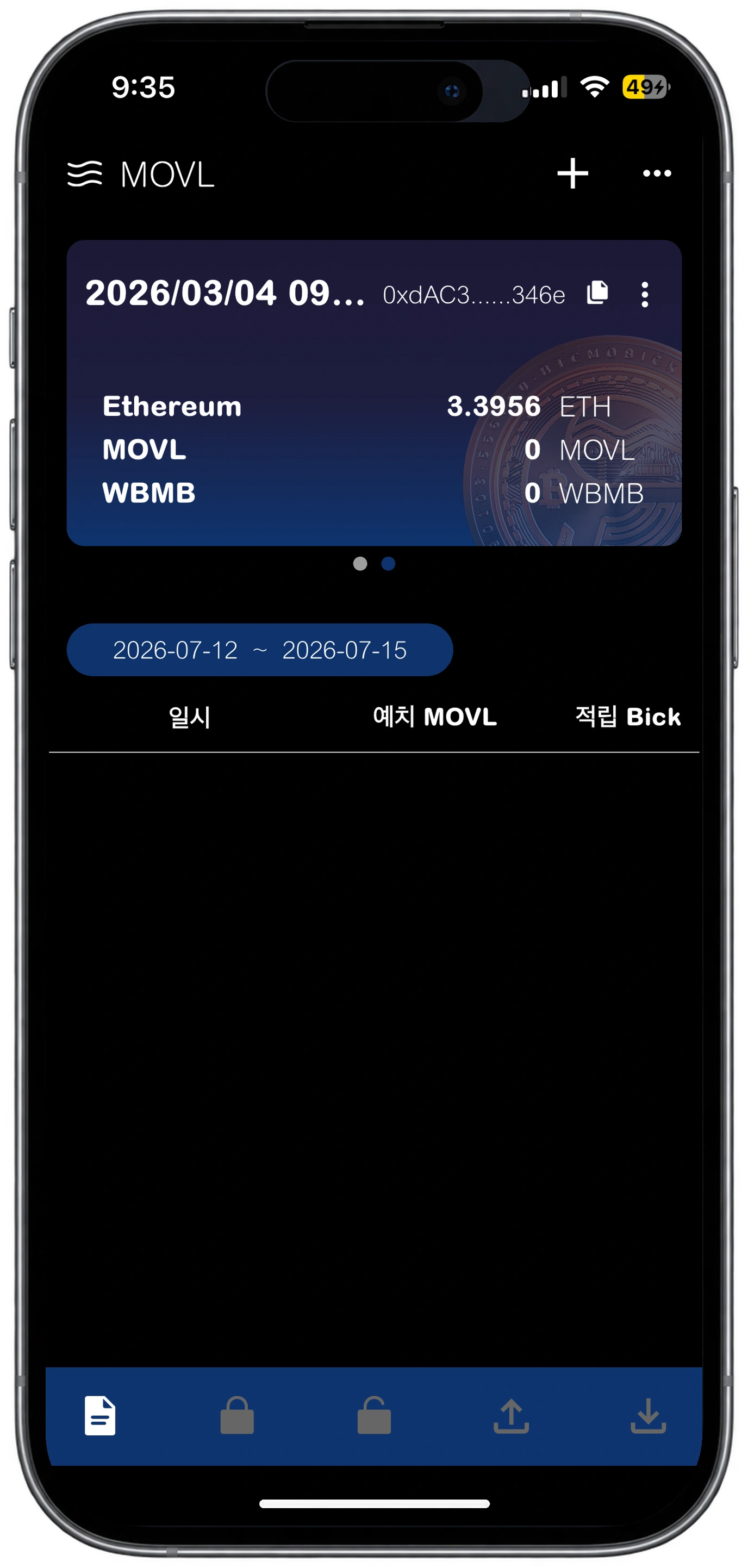
MOVL, WBMB and ETH together, for using Mobick on the Base mainnet.
Best for ecosystem programs on Base.
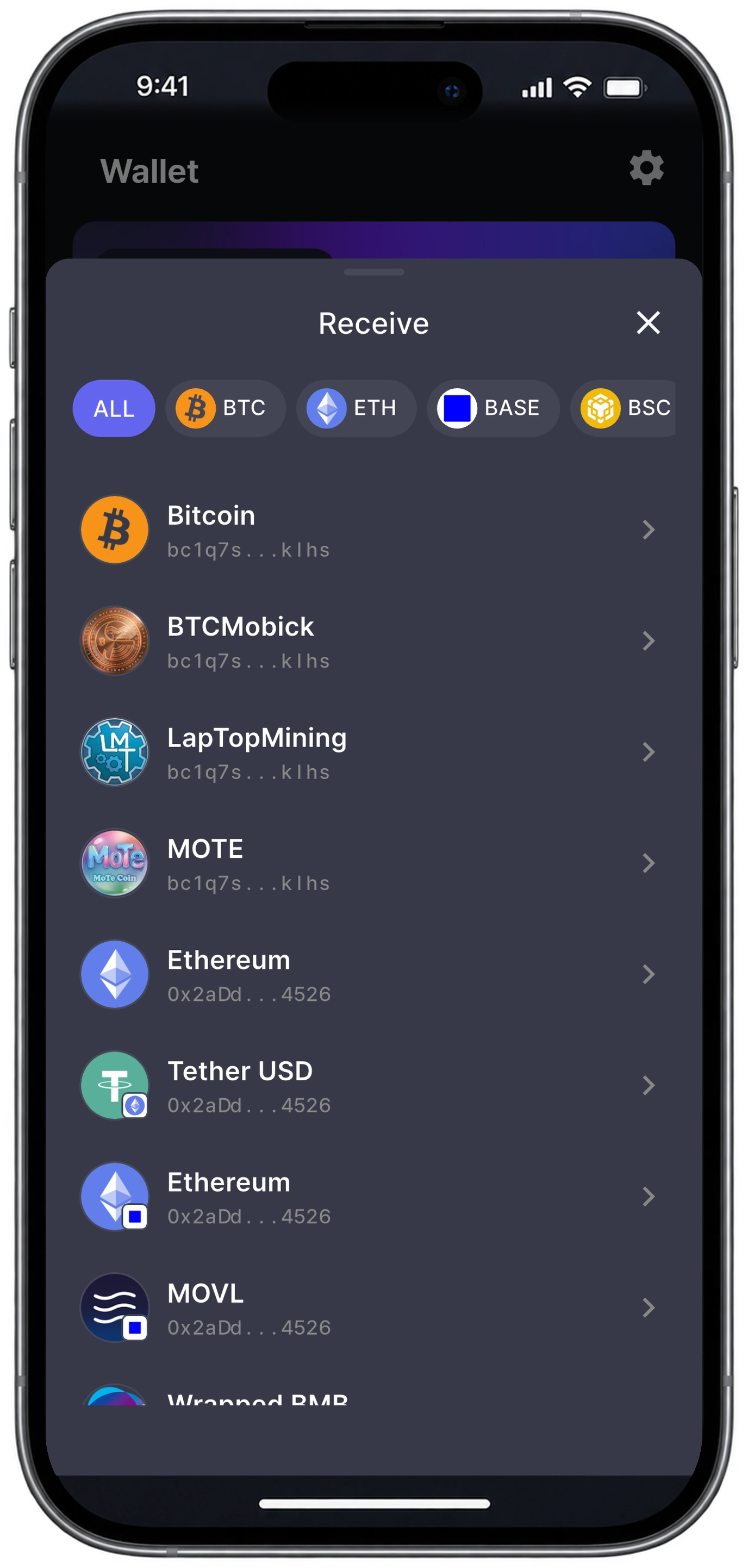
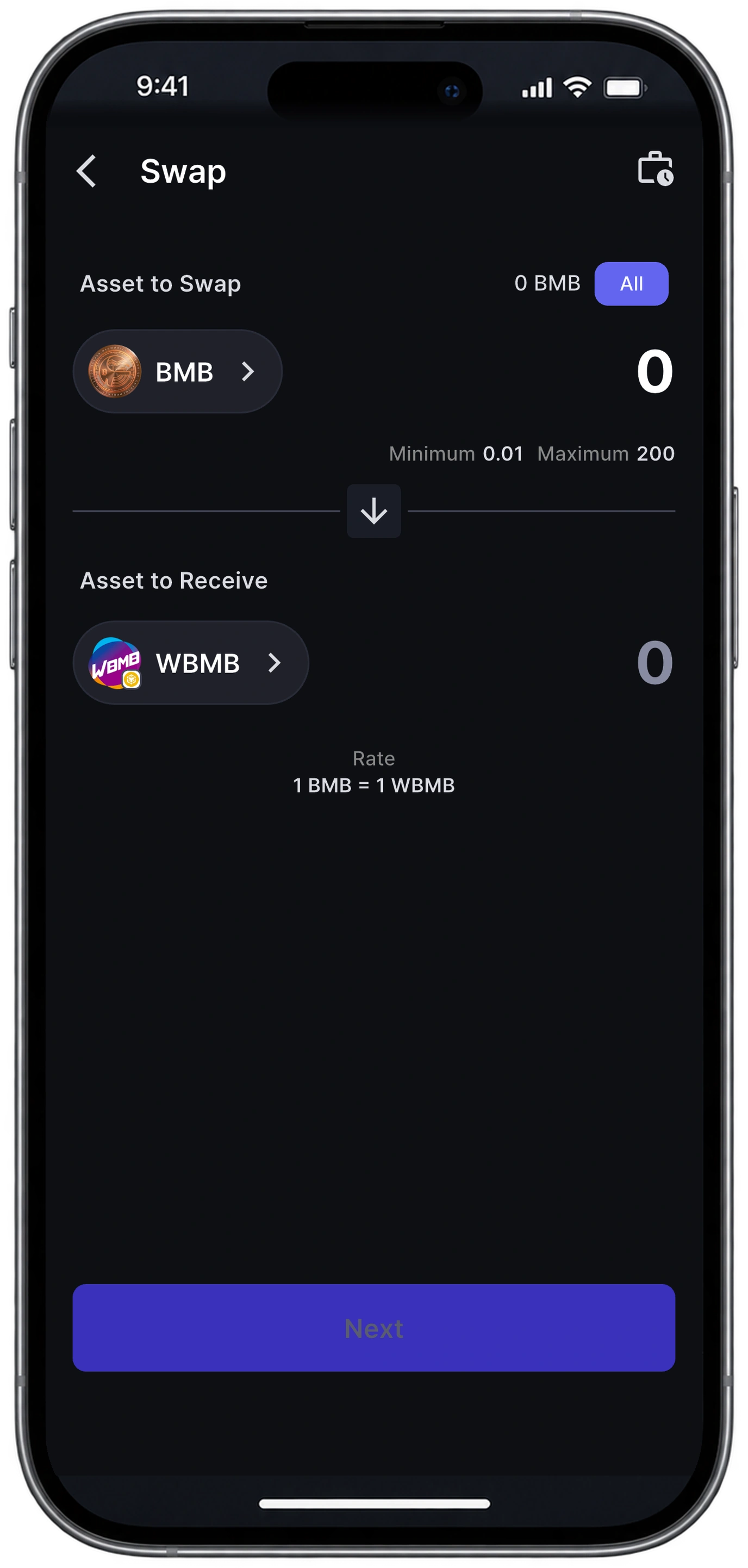
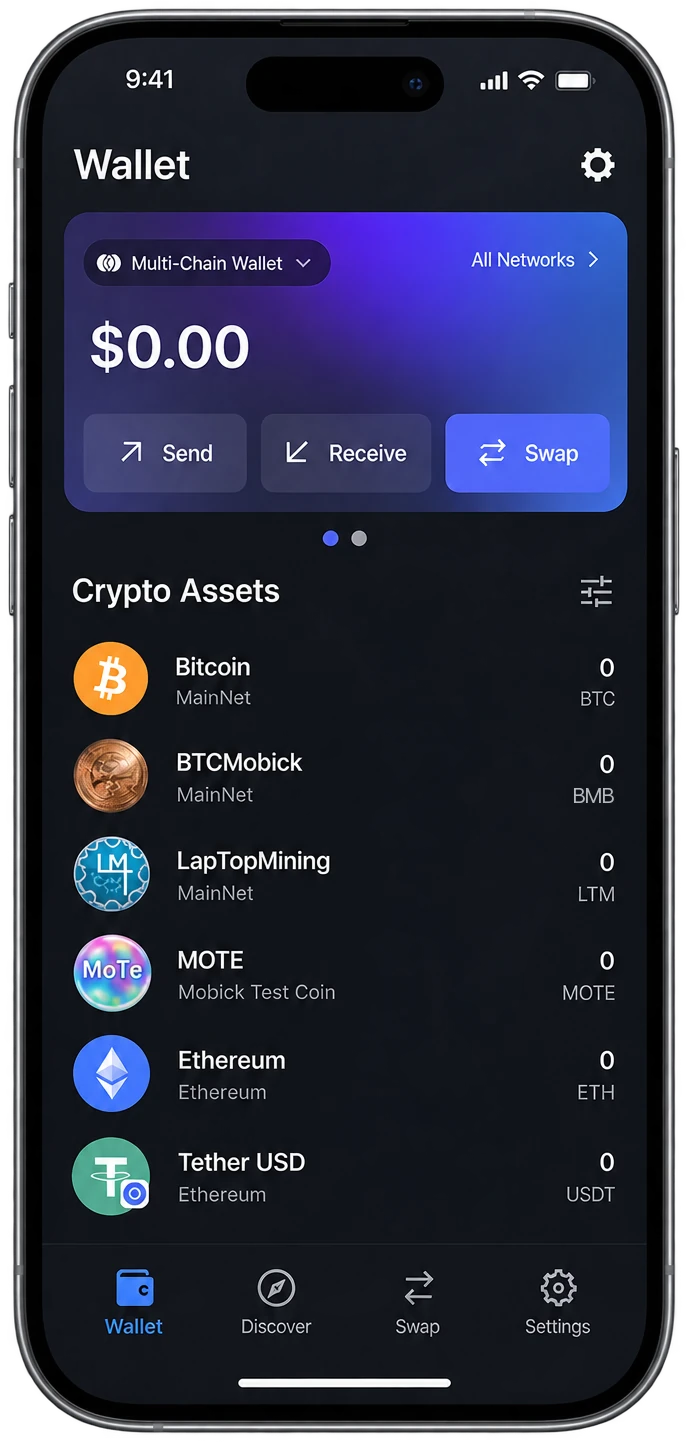
MobickOne: The Multi-Chain Wallet
One wallet for the whole Mobick ecosystem. MobickOne brings Bitcoin, Ethereum, BASE and BSC together with Mobick-native assets (BMB, WBMB and MOVL) in a single multi-chain wallet, with swap built in.
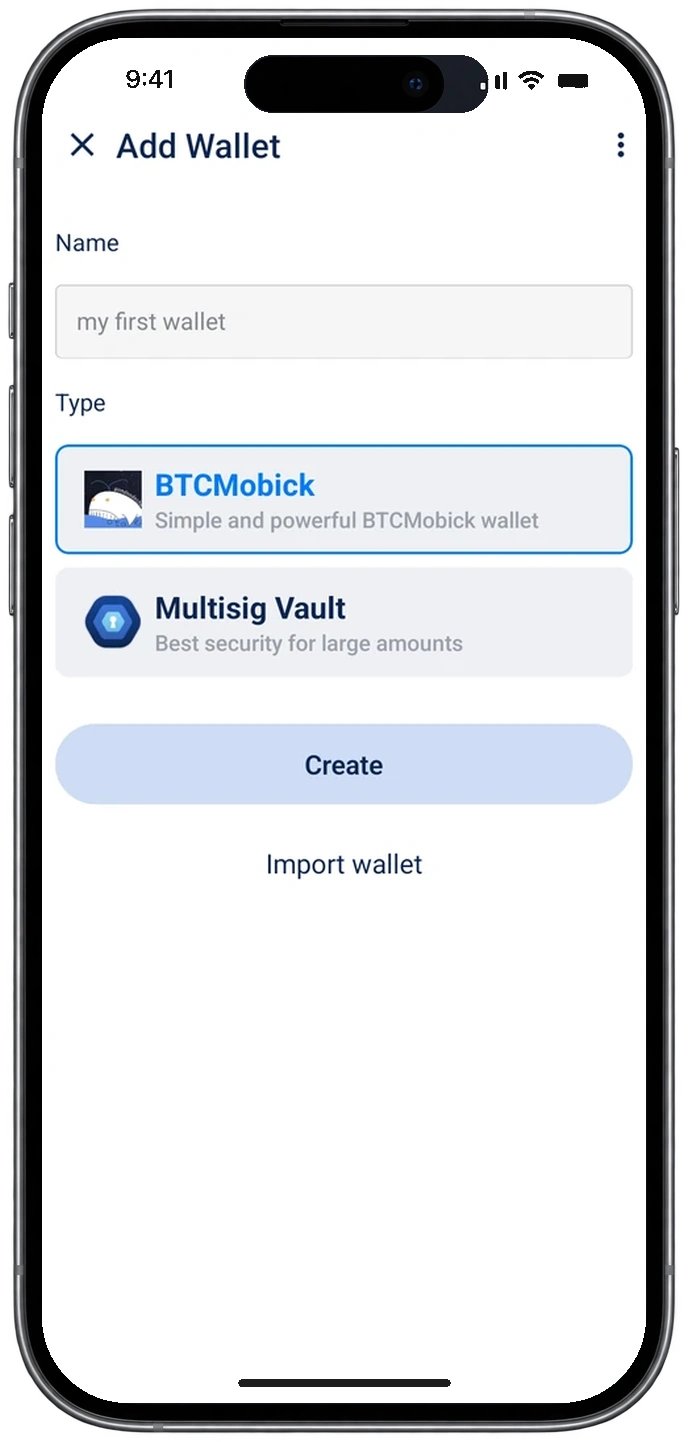
BTCMobick: The Mainnet Wallet
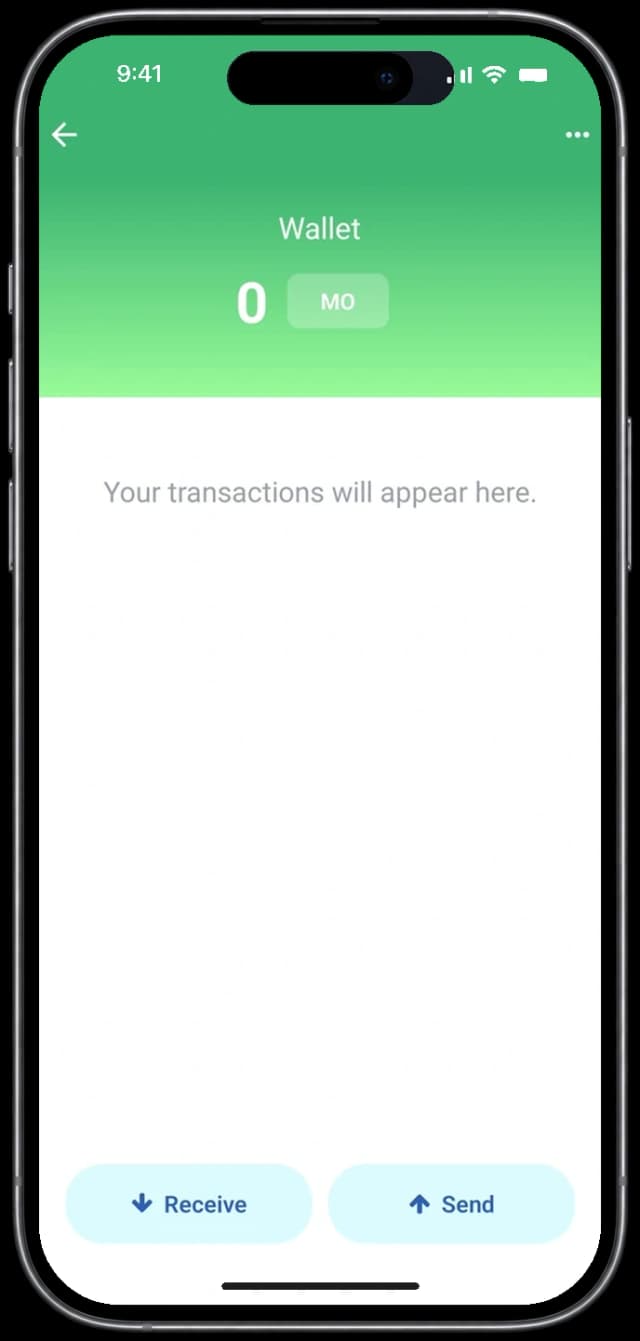
The official self-custody wallet for the Mobick mainnet. Your keys stay on your device: hold, send and receive BMB directly on-chain through a clean, simple interface.
MOVL: The Ecosystem Wallet
The dedicated wallet for MOVL and Mobick ecosystem assets. Manage MOVL, WBMB and ETH together and take part in Mobick's ecosystem programs, all from a single app.
Chains and assets in one place.


Set up in minutes.
- 01
Install from official channels
Download from Google Play or the App Store only. The developer is Otaverse.
- 02
Create a wallet
The app generates your recovery phrase, then you set a password or a fingerprint and face lock.
- 03
Back up your recovery phrase
Write it down offline, in order, and store it somewhere safe. It is the only key that restores your wallet.
Your assets stay in your control.
Keys on your device
Self-custody by default. No custodian holds your assets, and control rests entirely with you.
Official channels only
Install the wallet app only through Google Play or the App Store, with Otaverse listed as the developer.
Phishing and look-alike domains
Domains such as btcmobick.net are unrelated to Mobick. Any route asking you to install an app or extension as a manual file is a security risk.
Recovery phrase handling
Never keep it in screenshots, the cloud or messengers. Nobody from Mobick will ever ask you for it.
Frequently asked questions
01Which wallet should I use?
Use BTCMobick to hold BMB on the Mobick mainnet, MobickOne to manage Mobick assets together with BTC, ETH and other EVM chains, and MOVL for MOVL and WBMB on Base.
02What happens if I lose my recovery phrase?
Your assets cannot be recovered, ever. The recovery phrase is the only key that restores a wallet, which is why the offline backup matters more than any other step.
03Can I use the same wallet on another device?
Yes. Install the app on the new device, choose Recover (Import) Wallet, then restore with your recovery phrase, your private key or a QR code, and set the lock again.
04How do I swap between BMB and WBMB?
MobickOne has swap built in, so BMB and WBMB can be exchanged inside the app without a separate service.
05Are these wallets custodial?
No. Every Mobick wallet is self-custody, so the keys stay on your device and no operator can move your assets.
iPhone 3D model in the hero video:polyman Studio(CC BY 4.0)